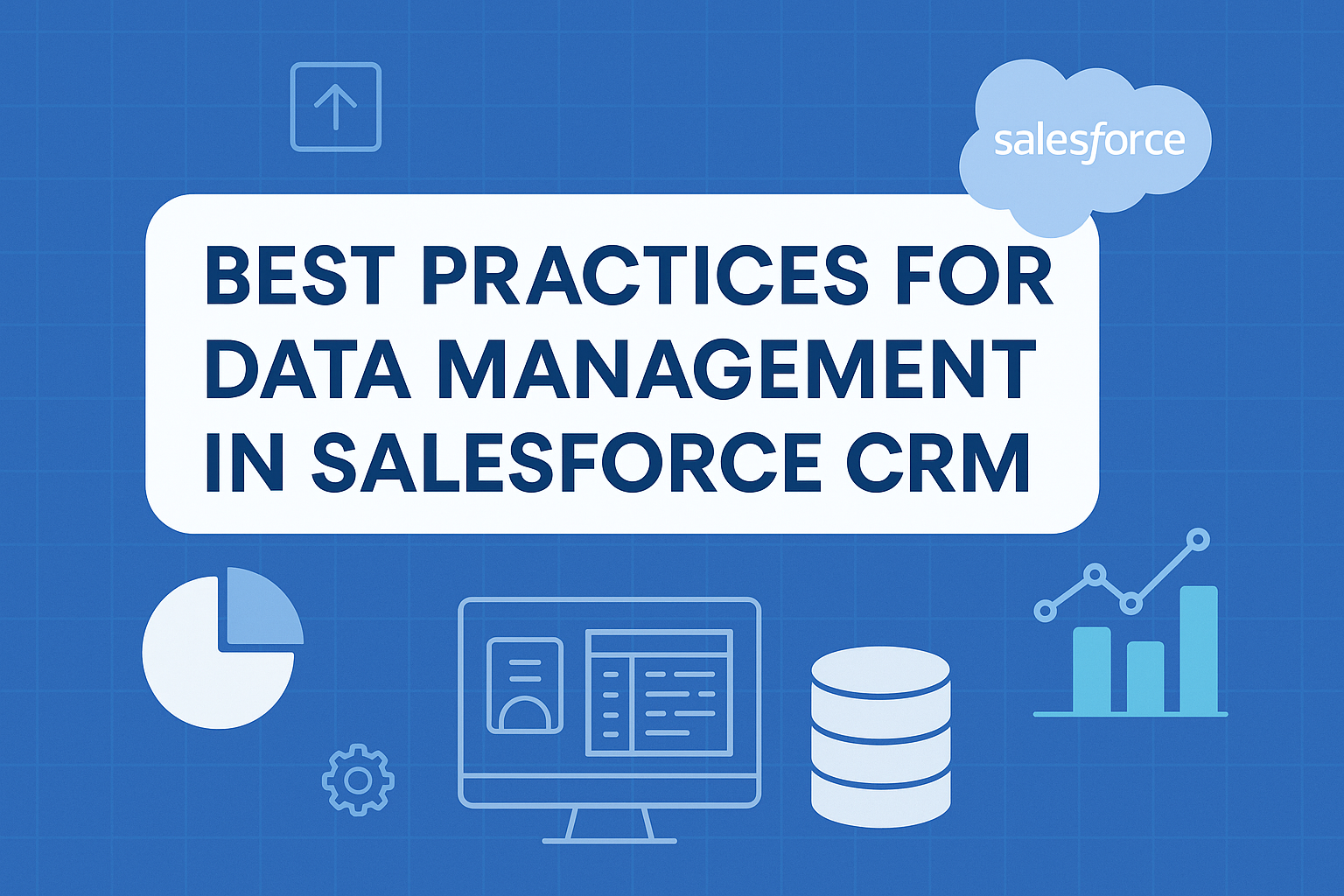



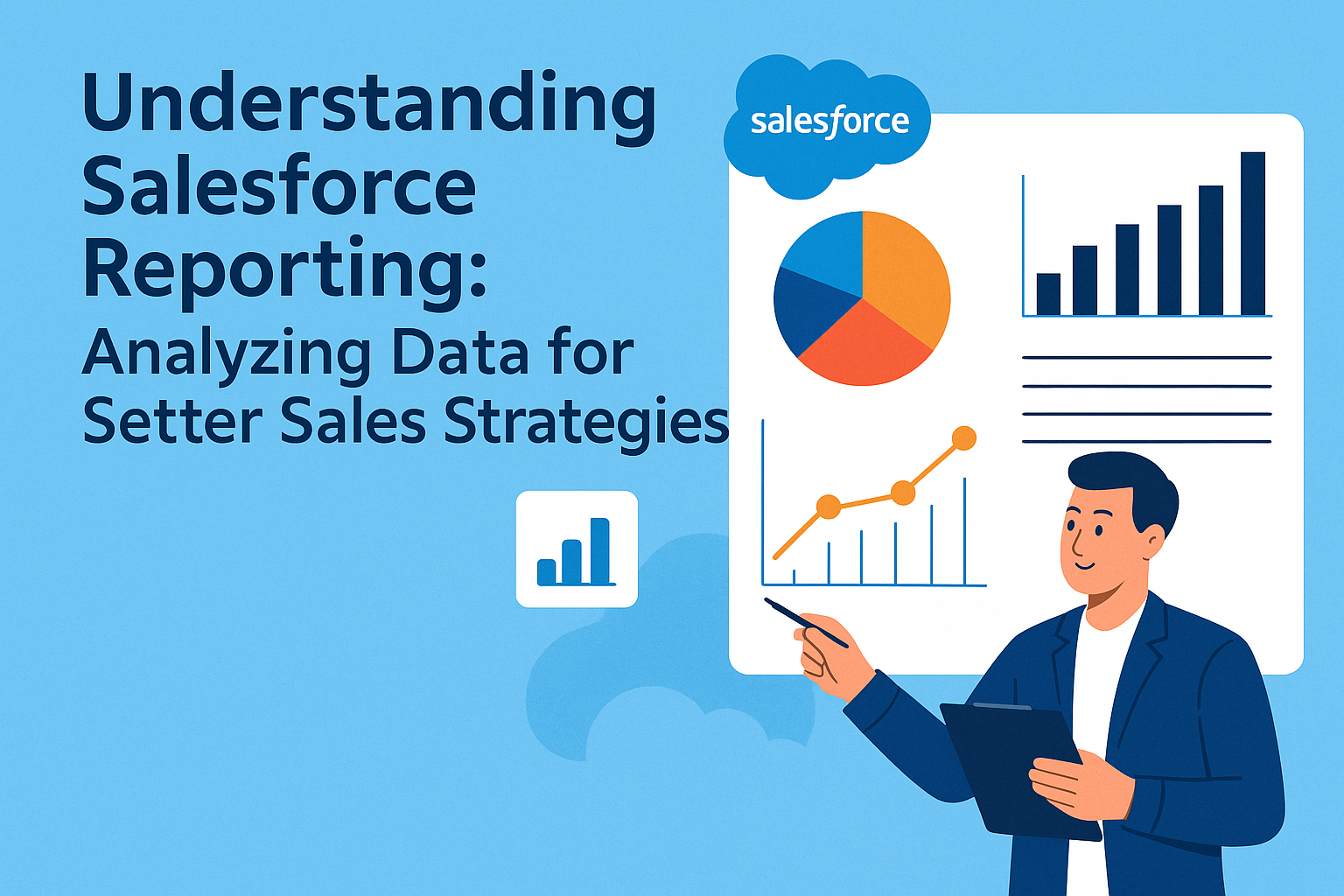
In today’s competitive business landscape, understanding your sales data is vital for developing effective strategies and driving growth. Salesforce, one of the leading Customer Relationship Management (CRM) platforms, provides powerful reporting tools that allow businesses to analyze their data effectively. By leveraging these reporting capabilities, organizations can make informed decisions that impact sales performance, customer satisfaction, and overall business success.
The Importance of Salesforce Reporting
-
Data-Driven Decision Making: The era of intuition-based decision-making is over; organizations need to rely on quantifiable data to guide their strategies. Salesforce reporting allows businesses to collect, analyze, and visualize data, leading to smarter decisions backed by evidence.
-
Identifying Trends and Patterns: Regular reporting can reveal valuable trends in customer behavior, sales performance, and market dynamics. Identifying these patterns helps sales teams to refine their approaches and better meet the needs of their customers.
-
Performance Tracking: With Salesforce reports, companies can measure the effectiveness of their sales initiatives. By tracking key performance indicators (KPIs) such as win rates, conversion rates, and average deal size, teams can evaluate their current strategies and make necessary adjustments.
-
Enhanced Collaboration: Salesforce reporting promotes transparency across departments. Sales teams can easily share insights with marketing, finance, and other departments to ensure everyone is on the same page and working towards common goals.
Key Components of Salesforce Reporting
1. Dashboards: A dashboard serves as a visual representation of your key metrics. It allows users to see the data in real-time and facilitates quick assessments of overall performance. Salesforce dashboards can display charts, graphs, and key metrics in an at-a-glance format, making it easy for stakeholders to grasp complex data quickly.
2. Report Types: Salesforce offers a variety of report types to cater to different needs:
-
Tabular Reports: These are simple lists formatted in rows and columns, ideal for quick data access.
-
Summary Reports: These allow for groupings of data and enable users to visualize aggregated information, such as totals and averages.
-
Matrix Reports: Useful for cross-tabulation of data, matrix reports can display data in both rows and columns, providing complex data relationships.
-
Joined Reports: These reports allow the combination of multiple report types, presenting a holistic view of interconnected data sets.
3. Customization Options: Salesforce reporting empowers users to customize their reports to focus on specific metrics that align with their business goals. Users can apply filters, group data, and choose how information is displayed for maximum clarity.
4. Scheduled Reports and Alerts: Salesforce allows users to set up scheduled reports that automatically generate and email to stakeholders. Additionally, alerts can be configured to notify sales teams about changes in key metrics, ensuring that they remain proactive.
Steps to Create Effective Reports in Salesforce
1. Define Objectives: Before diving into report generation, teams should clearly outline their objectives. What specific questions do they want to answer? What insights are they looking to gain?
2. Choose the Right Data Source: Understanding which data sets are relevant to your objectives is crucial. Salesforce contains various objects such as leads, opportunities, accounts, and custom objects. Select the appropriate ones for your report.
3. Utilize Standard and Custom Fields: Make the most out of Salesforce’s standard fields, while also creating custom fields where necessary. Custom fields can capture unique data points relevant to your business.
4. Build the Report: Use the report builder in Salesforce to select the report type, add fields, and apply filters. Group and summarize data based on the defined objectives.
5. Validate Data: Before sharing, ensure the data is accurate and represents the desired metrics. Cross-check the data against other reliable sources if available.
6. Share Reports: Distribute the reports through Salesforce or export them in formats like CSV or PDF for broader accessibility.
7. Review and Iterate: Post-distribution, gather feedback from users and be ready to iterate on the report based on their inputs.
Advanced Techniques for Data Analysis
-
Segmentation: Break down your data into smaller, manageable segments based on criteria like geography, product, or customer demographics. This helps to create targeted campaigns and refine your sales strategies.
-
Trend Analysis: Analyzing historical data can reveal important trends over time. This can assist in forecasting sales and adapting strategies accordingly.
-
Predictive Analytics: Salesforce offers advanced analytics features, including AI tools that can help predict customer behavior and sales outcomes. By understanding these patterns, companies can optimize their sales pitches and resource allocation.
-
Campaign Effectiveness Assessment: Reports can help organizations understand the ROI of different marketing campaigns. By analyzing which campaigns led to successful sales, businesses can allocate their budgets more effectively in the future.
FAQs
Q1: What types of reports can I create in Salesforce?
A1: Salesforce allows you to create various report types, including Tabular, Summary, Matrix, and Joined reports. Each has its unique properties designed for different analytical needs.
Q2: How do I access reporting features in Salesforce?
A2: Access to reporting features is typically found in the “Reports” tab in the main Salesforce interface. Depending on your permissions, you can create, edit, or view reports.
Q3: Can I automate reports in Salesforce?
A3: Yes! Salesforce enables users to schedule reports to run automatically and send them to designated recipients via email.
Q4: How can I ensure the accuracy of my Salesforce reports?
A4: To ensure accuracy, make sure you validate the data while building your reports. Cross-verify crucial metrics with other databases or reporting tools if necessary.
Q5: What metrics should I track in Salesforce for sales performance?
A5: Key metrics to track include lead conversion rates, average deal size, sales cycle length, win/loss rates, and customer acquisition costs.
Conclusion
Salesforce reporting is a powerful tool that enables organizations to leverage their data effectively. By taking advantage of the platform’s features and capabilities, sales teams can gain critical insights, optimize their strategies, and ultimately drive growth. The ability to analyze data not only enhances decision-making but enables companies to adapt and thrive in an ever-changing market landscape. By understanding and implementing effective reporting strategies in Salesforce, businesses can ensure that they are always one step ahead of the competition.