
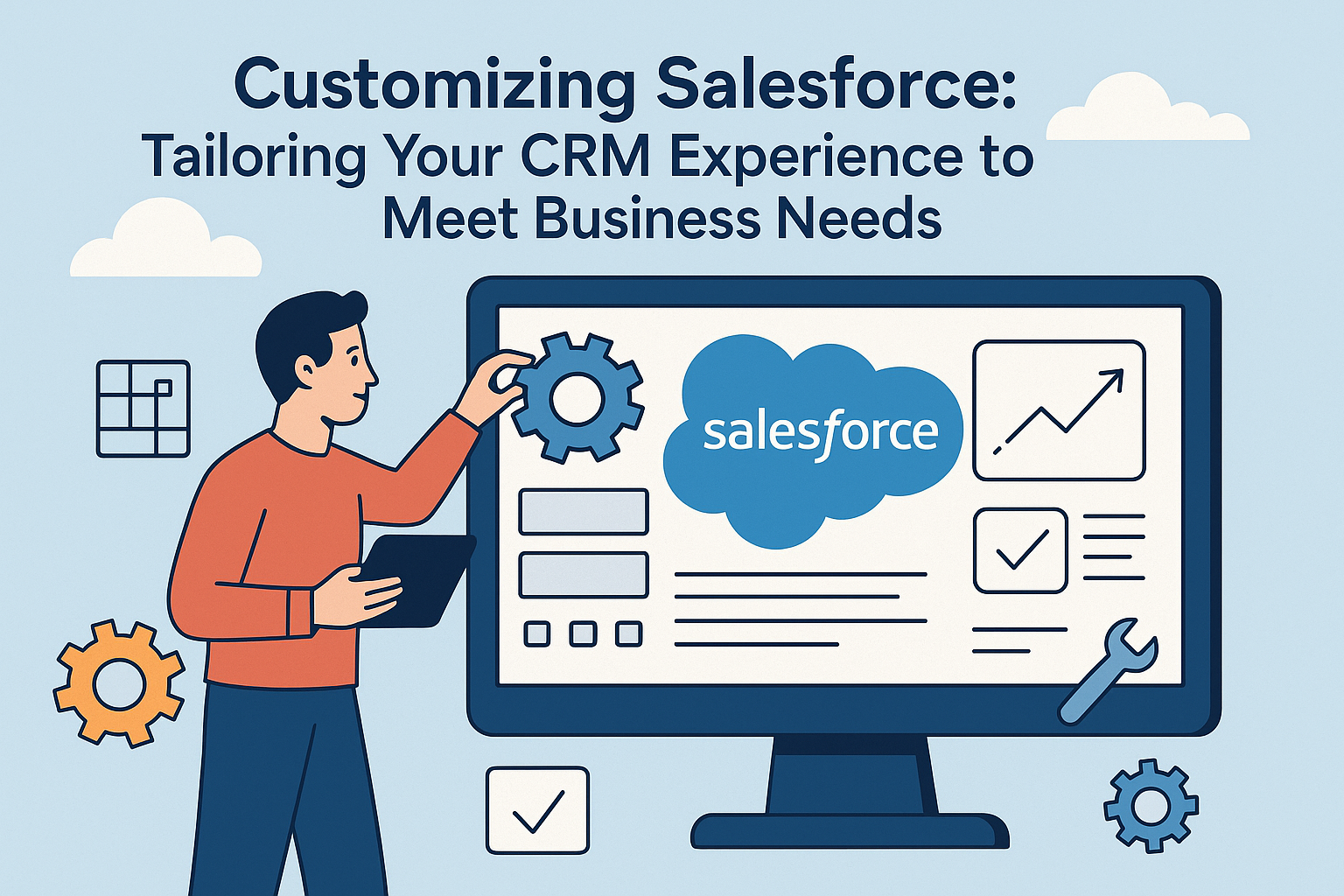
In today’s highly competitive business landscape, having the right tools to manage customer relationships is crucial. Customer Relationship Management (CRM) systems provide organizations with the ability to organize, automate, and synchronize sales, marketing, customer service, and technical support. Among the myriad CRM offerings available, Salesforce stands out for its flexibility and customization options. This article delves into how businesses can tailor their Salesforce experience to meet their unique requirements.
Understanding Salesforce Customization
Salesforce is an Enterprise Cloud Computing platform that allows companies to customize their CRM according to their specific needs. The ability to customize Salesforce can take various forms, ranging from simple adjustments of fields and layouts to complex configurations involving automation, integrations, and applications. The ultimate goal is to enhance efficiency, drive engagement, and increase sales by aligning the CRM with the business’s operational processes.
1. Adapting Salesforce UI and UX
One of the most fundamental ways to customize Salesforce is by adjusting the user interface (UI) and user experience (UX). Salesforce Lightning Experience offers a modern UI that can be tailored:
-
Custom Pages: Create tailored home pages tailored to different user roles. For instance, sales representatives might require quick access to leads and opportunities, while customer service agents might prioritize cases and knowledge articles.
-
Page Layouts: Alter which fields and related lists appear in record detail pages. This ensures that users have quick access to relevant information, minimizing clicks and confusion.
-
Themes and Branding: Personalize your Salesforce instance by applying company branding. This could include custom logos, colors, and themes that reflect the identity of your business.
2. Creating Custom Objects and Fields
Salesforce is built around a set of standard objects (such as Accounts, Contacts, and Opportunities). However, businesses often find that their unique processes require additional data points:
-
Custom Objects: If your business model involves specialized data or processes, you can create custom objects to store information that the standard Salesforce objects do not cover. For instance, a real estate company might need a custom object for “Properties” with fields for location, price, and status.
-
Custom Fields: Enhance existing objects with fields specific to your needs. For example, adding a “Lead Source” field allows businesses to track where their leads are coming from, providing valuable insights into marketing effectiveness.
3. Automation with Workflow and Process Builder
Salesforce’s powerful automation tools can help streamline everyday tasks:
-
Workflow Rules: Automate standard processes such as lead assignment or email generation based on predefined criteria. This ensures that the right tasks are routed to the appropriate team members without manual intervention.
-
Process Builder: This more advanced tool lets you create multi-step processes visually. You can automate complex actions, such as creating new records, sending outbound messages, or updating related records, all triggered by various user actions.
-
Salesforce Flow: An even more advanced form of automation, Salesforce Flow allows for the creation of dynamic processes that guide users through a series of steps tailored for specific tasks.
4. Leveraging Apps from Salesforce AppExchange
The Salesforce AppExchange is a marketplace filled with thousands of apps that can extend Salesforce’s capabilities:
-
Third-Party Integrations: Choose from a variety of tools that can seamlessly integrate with Salesforce, ranging from marketing automation to customer support solutions. For example, integrating a tool like HubSpot for marketing automation can streamline the transfer of leads and marketing data into Salesforce.
-
Custom Applications: If your industry needs specific functionalities not covered by existing apps, consider custom development. The Salesforce platform allows for building bespoke applications tailored to your business needs.
5. Reporting and Dashboards
Salesforce’s reporting and dashboard functionalities can be adapted to meet the specific needs of your business:
-
Custom Reports: Create reports that highlight the metrics that matter most to your business, whether these are sales performance, customer retention rates, or campaign effectiveness.
-
Dynamic Dashboards: Tailor dashboards that present real-time data to sales representatives and executives. This can help in monitoring KPIs and making more informed decisions.
6. Data Management and Security Customizations
Effective data management and security are critical components of any CRM:
-
Data Validation Rules: Ensure data integrity by setting validation rules that enforce specific data formats or required fields.
-
Role Hierarchies and Sharing Settings: Customize security settings based on organizational needs. Ensure that sensitive data is only accessible to those who need to see it while enabling collaboration across teams with tailored sharing settings.
7. Training and Support
No customization is complete without adequate training and support. Providing employees with the necessary knowledge and tools will maximize the CRM’s effectiveness:
-
Training Resources: Offer comprehensive training sessions to ensure that all users are familiar with the customized features of Salesforce.
-
Ongoing Support: Establish a support system for ongoing assistance. Create documentation outlining the changes made in Salesforce and encouraging feedback to continuously improve the CRM experience.
Conclusion
Customizing Salesforce can significantly enhance a business’s CRM experience, making it more aligned with specific operational goals and requirements. From adapting the user interface and configuring custom objects to leveraging automation and ensuring data integrity, the CRM can be finely tuned to support various business processes. As every organization is unique, taking the time to customize Salesforce can contribute to improved efficiency, stronger customer relations, and ultimately, greater business success.
FAQs
1. Can Salesforce be used by small businesses?
Absolutely! Salesforce offers different editions, including the Salesforce Essentials edition, designed specifically for small businesses.
2. What are custom objects?
Custom objects are user-defined entities that allow you to track information specific to your business that isn’t covered by Salesforce’s standard objects.
3. Is coding required for Salesforce customization?
While some advanced customizations may require coding (especially using Apex), many customization features can be used without any coding knowledge.
4. How often should I reevaluate my Salesforce customizations?
Regular reviews should be conducted at least once a year or whenever significant changes occur in your business processes or organizational structure.
5. Can third-party apps slow down Salesforce?
While some apps may impact performance, most are designed to work efficiently within Salesforce. Always monitor performance and consider uninstalling apps that don’t meet expectations.
By understanding and leveraging the full range of Salesforce customizations, businesses can create a tailored CRM experience that not only meets their needs but also drives enhanced productivity and growth.