





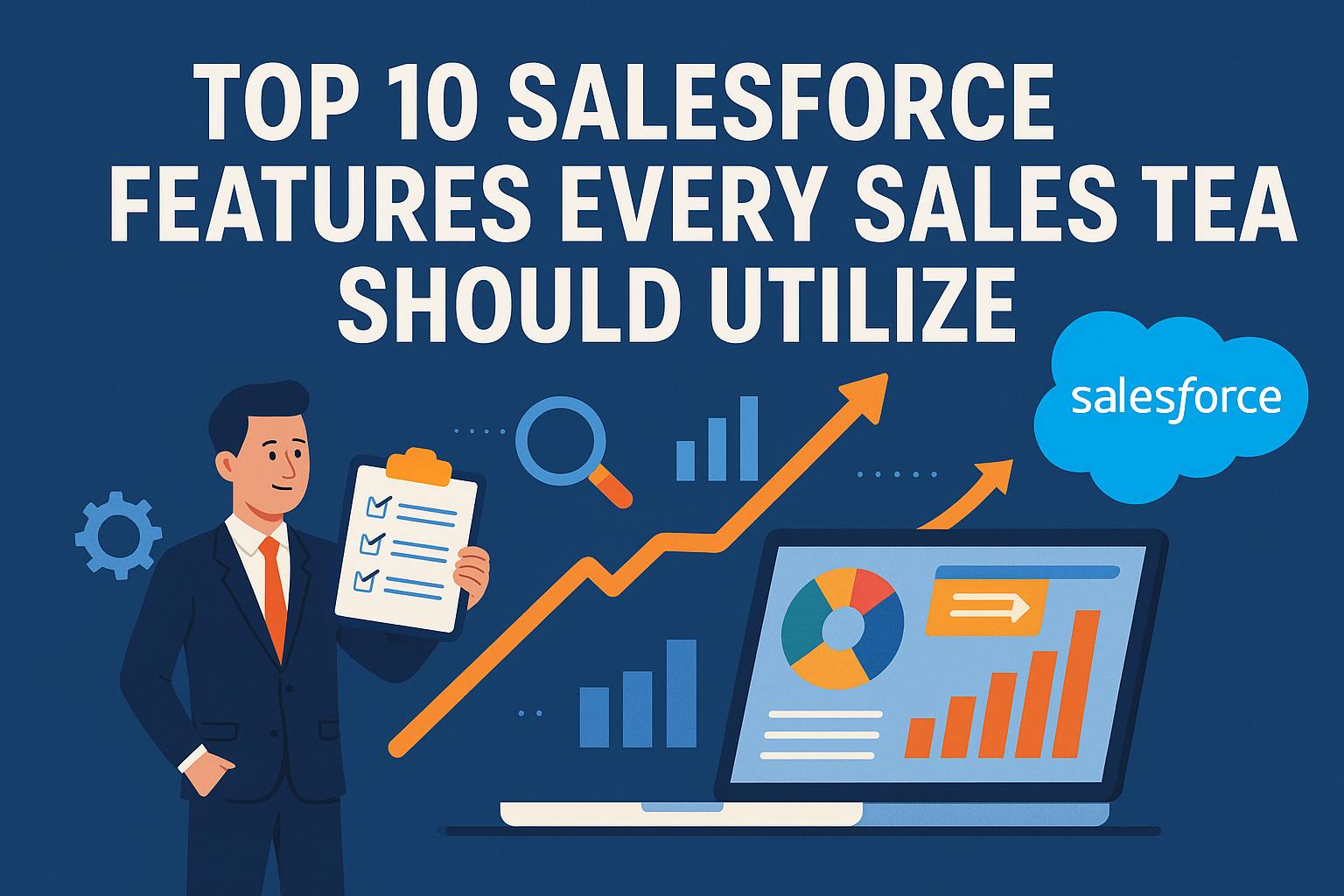
In today’s competitive business landscape, effective sales management is more crucial than ever. Salesforce, the leading customer relationship management (CRM) platform, empowers sales teams with a variety of features designed to streamline processes, enhance productivity, and improve customer engagement. Whether you’re a small startup or a large enterprise, leveraging Salesforce effectively can lead to significant gains in sales performance. Here, we explore the top 10 Salesforce features every sales team should utilize.
1. Lead Management
Lead management is one of the fundamental features of Salesforce that helps teams capture, track, and manage potential customers. With features like lead scoring and segmentation, sales representatives can prioritize leads based on different factors, such as engagement levels and company size. This ensures that resources are directed towards those most likely to convert.
2. Opportunity Management
Once a lead becomes a qualified prospect, the opportunity management feature takes over. This allows sales teams to track the sales process from initial contact to closure. Salesforce provides tools for managing sales stages, forecasting revenues, and capturing details about customer interactions. This visibility helps sales reps stay organized and focused.
3. Sales Automation
Salesforce offers extensive automation capabilities that reduce administrative burdens and enhance productivity. From automated follow-ups to status updates, sales automation allows teams to spend more time selling instead of managing administrative tasks. Features like Workflow Rules and Process Builder can automate repetitive tasks, streamlining the sales process.
4. Reports and Dashboards
A successful sales team relies heavily on data to drive decisions. Salesforce provides robust reporting and dashboard features that offer customizable visual representations of key metrics. These reports can track various performance indicators such as sales pipeline, team performance, and customer engagement rates. This data helps teams refine their strategies and improve overall performance.
5. Collaboration Tools
Effective collaboration is essential in any sales environment. Salesforce’s Chatter tool facilitates team collaboration by allowing team members to share updates, files, and ideas in real-time. This feature fosters communication and ensures that everyone is on the same page regarding accounts or upcoming deals.
6. Mobile Accessibility
In a world where sales often happen outside the office, mobile accessibility is a game-changer. The Salesforce mobile app provides sales teams with access to their CRM data wherever they are. Field sales representatives can update leads, log calls, and analyze data on the go, leading to improved responsiveness and customer engagement.
7. Customization and Integration
Salesforce offers an extensive range of customization options to tailor the platform to an organization’s specific needs. Users can create custom fields, objects, and workflows to ensure the system aligns with their sales processes. Moreover, Salesforce’s ability to integrate with other business tools, such as email marketing platforms, social media, and accounting software, allows teams to have a holistic view of customer interactions.
8. Einstein Analytics
For teams looking to leverage AI, Salesforce’s Einstein Analytics provides powerful insights through predictive analytics. This feature analyzes historical data to predict future sales trends and identifies cross-sell and up-sell opportunities. By utilizing AI, sales teams can make more informed decisions and align their strategies with market demands.
9. Email Integration
Salesforce integrates seamlessly with both major email providers (like Gmail and Outlook) and allows sales teams to manage their email communication directly from the platform. This includes functionality for tracking email opens, clicks, and responses, providing insights into customer interactions and optimizing follow-up strategies.
10. Customizable Workflows
Sales teams often follow specific processes that can differ widely from business to business. Salesforce enables users to create customizable workflows that align with their sales processes. By defining steps that must be taken from lead to closure, sales teams can ensure consistency and transparency in their operation.
FAQs
Q1: How can Salesforce help improve our sales process?
Salesforce offers a central hub for all customer information, allowing sales teams to track leads, manage opportunities, and analyze performance data. This visibility leads to improved efficiency, better forecasting, and ultimately, increased sales.
Q2: Is Salesforce suitable for small businesses?
Absolutely! Salesforce offers a range of products, including Salesforce Essentials, designed specifically for small businesses. The platform can scale with your business, providing necessary tools regardless of company size.
Q3: Can we customize Salesforce to fit our unique sales process?
Yes! Salesforce is highly customizable. You can modify fields, create custom objects, and design workflows that specifically cater to your sales process.
Q4: What kind of training resources does Salesforce offer?
Salesforce provides a wealth of training resources, including online courses via Trailhead, webinars, and community forums where users can share insights and best practices.
Q5: How does Salesforce ensure data security?
Salesforce employs multiple layers of security, including encryption, role-based access controls, and robust authentication protocols. Additionally, businesses can configure their security settings to meet compliance requirements.
Q6: Can Salesforce integrate with other tools we use?
Yes, Salesforce offers integration capabilities with hundreds of popular applications through the AppExchange, allowing you to streamline your sales processes further.
Q7: How can I access Salesforce data while on the move?
Salesforce’s mobile app provides access to all your CRM data anywhere you go, enabling field reps to update information and engage with customers in real-time.
Q8: Is a trial period available for new users?
Yes, Salesforce offers a free trial period, allowing potential users to explore its features and determine if it meets their needs before making a commitment.
Q9: What kind of reports can we generate from Salesforce?
Salesforce allows you to create a wide range of reports, from simple lead conversion rates to complex sales forecasts and team performance dashboards, ensuring you have the insights you need.
Q10: How can we implement Salesforce successfully?
Successful implementation starts with defining your sales processes, training your team, and utilizing Salesforce support resources. Start small and gradually expand your usage of features as your team becomes more familiar with the platform.
In conclusion, using these top Salesforce features can dramatically improve your sales team’s performance, helping them save time and focus on tasks that directly contribute to revenue generation. Investing the time to leverage Salesforce effectively not only enhances productivity but also improves customer relationships and drives sales success.