






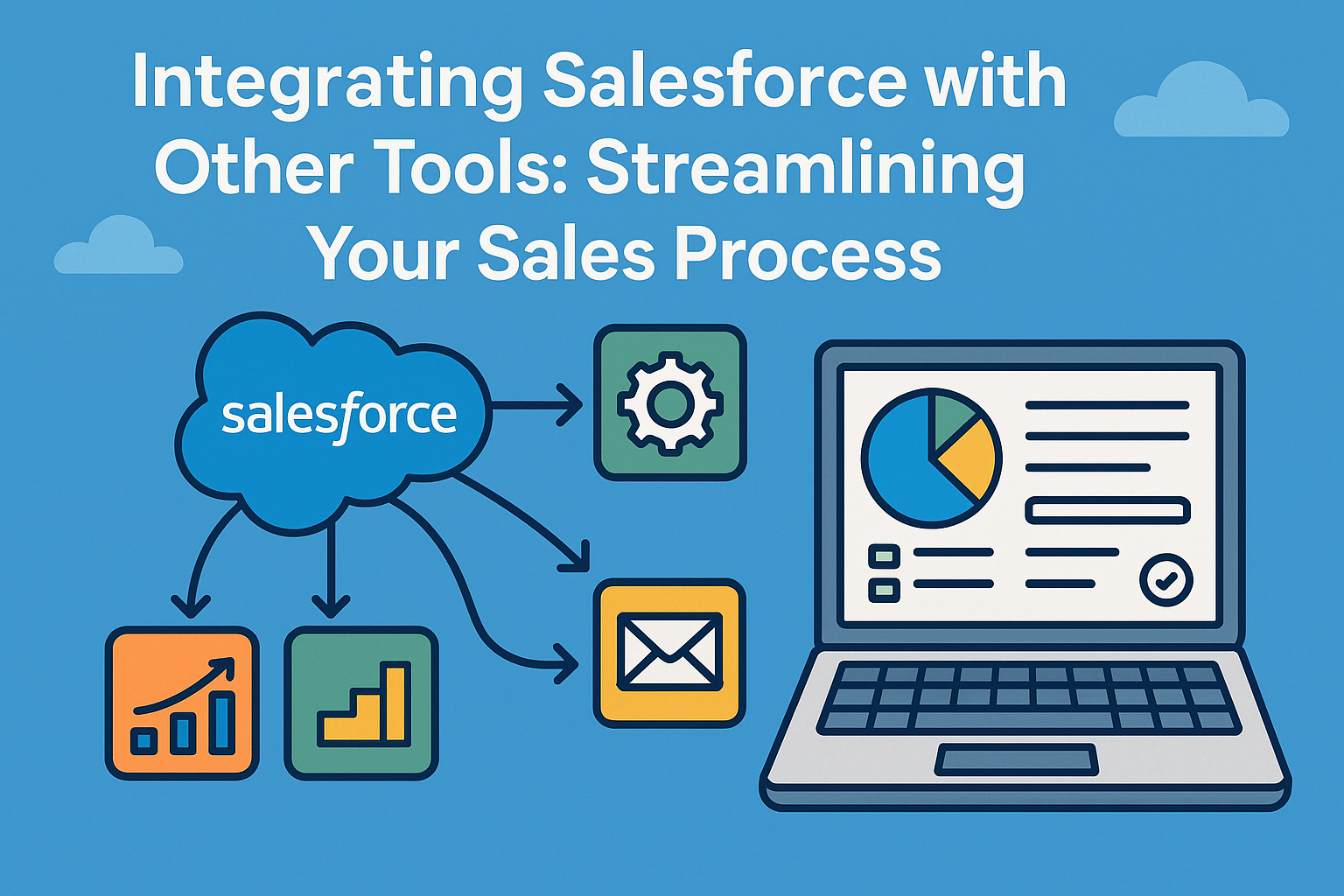
In today’s fast-paced business environment, organizations continuously seek ways to enhance efficiency and improve productivity. One of the most effective strategies is integrating existing tools and systems with robust platforms like Salesforce. Salesforce, the leading customer relationship management (CRM) solution, offers a multitude of features to help businesses manage customer interactions, sales processes, and marketing efforts. However, the true power of Salesforce is unlocked when it is integrated with other tools, creating a seamless ecosystem that streamlines the entire sales process.
Understanding the Importance of Integration
Integrating Salesforce with other business applications such as email, marketing automation, analytics, and project management tools can significantly enhance sales operations. Here are a few key reasons why integration is essential:
-
Improved Data Synchronization: Integration allows different systems to exchange data in real-time. This ensures that all teams have access to the same customer information, reducing errors and improving communication.
-
Enhanced Automation: By integrating your systems, you can automate repetitive tasks. This frees up time for your sales team to focus on building relationships and closing deals instead of spending time on manual data entry.
-
Holistic Customer View: When Salesforce is integrated with other tools, sales representatives gain a comprehensive view of customer interactions. This allows for more personalized communication and targeted marketing efforts.
-
Improved Reporting and Analytics: Combining data from multiple sources provides deeper insights. Organizations can leverage these insights to make informed decisions, forecast sales more accurately, and identify growth opportunities.
-
Increased Productivity: With a streamlined workflow, your sales team can work more efficiently. This ultimately leads to faster sales cycles and increased revenue.
Key Tools to Integrate with Salesforce
When considering integrations, several tools can complement Salesforce effectively:
1. Marketing Automation Platforms
Integrating with marketing automation tools like HubSpot, Marketo, or Pardot helps in managing leads more effectively. These platforms automatically capture and nurture leads through targeted marketing campaigns. By syncing data between the marketing automation tool and Salesforce, you can track a lead’s journey from initial interest to conversion.
2. Email Clients
Integrating Salesforce with email clients like Outlook or Gmail will help sales representatives manage their emails directly within Salesforce. This integration often includes features such as logging emails and accessing contact details without switching between applications.
3. Analytics Tools
Tools like Tableau and Google Analytics allow for deeper insights into customer behavior and sales performance. By integrating these tools, businesses can analyze data trends and refine their sales strategies based on comprehensive analytics.
4. Collaboration Platforms
Integrating with collaboration tools such as Slack or Microsoft Teams can enhance communication among sales teams. Notifications, updates, and conversations can be streamlined, ensuring that everyone is on the same page.
5. Project Management Tools
For companies that handle complex sales processes, integrating Salesforce with project management platforms like Asana or Trello can help keep track of action items, deadlines, and responsibilities. This ensures accountability and aids in tracking the sales pipeline lifecycle efficiently.
Steps for Successful Integration
Integrating Salesforce with other tools requires a structured approach. Here are some steps to ensure a successful integration process:
1. Define Your Goals
Identify what you aim to achieve through integration. Whether it’s improved lead tracking, enhanced reporting, or streamlined communication, having clear goals helps in determining which tools to integrate.
2. Choose the Right Tools
Select tools that align with your business objectives. Consider versions that are compatible with Salesforce and have robust integration capabilities. Reading user reviews and assessing vendor support can be beneficial in making the right choice.
3. Plan the Integration Process
Develop a detailed plan that outlines the steps needed for integration. This may involve mapping out workflows, determining data flow, and identifying stakeholders.
4. Test the Integration
Before going live, perform a thorough testing phase. This helps identify any potential issues and allows for fine-tuning before full implementation.
5. Train Your Team
Once the integration is complete, conduct training sessions for your sales team. Familiarizing them with the new system is crucial for maximizing the benefits of the integration.
6. Monitor and Optimize
After implementation, continually monitor the integrated system’s performance. Collect feedback from your team and make adjustments as needed to ensure it meets evolving business needs.
Challenges of Integration
While the benefits are plentiful, integrating Salesforce with other tools can also present challenges. Common challenges include:
- Data Quality Issues: Poor data quality can lead to integration problems. It’s essential to clean and standardize data before integration.
- User Adoption: Resistance to change within teams can hinder the effectiveness of integration. Addressing this through adequate training and support is crucial.
- Technical Difficulties: Depending on the complexity of the systems you are integrating, technical challenges may arise. Engaging qualified IT resources can help mitigate this issue.
FAQs
Q1: Can any tool be integrated with Salesforce?
While many tools can be integrated with Salesforce, it’s essential to choose applications that have native connectors or APIs designed for integration. Always check for compatibility and ease of integration.
Q2: How long does it typically take to integrate Salesforce with other tools?
The duration can vary based on the complexity of the integrations and the tools involved. Simple integrations may take a few days, while more complex implementations could take weeks.
Q3: Are there costs associated with integrating Salesforce?
Yes, integration may involve costs such as licensing fees for additional software, development costs for custom integrations, and potential training expenses for team members.
Q4: What are the most popular integrations for Salesforce?
Some of the most popular integrations include marketing automation tools, email clients, analytics platforms, and project management software.
Q5: Will integrating Salesforce improve my sales team’s performance?
When done correctly, integrating Salesforce with other tools can reduce manual effort, improve data accuracy, and enhance communication, all of which contribute to improved performance.
Conclusion
Integrating Salesforce with other tools is not just an enhancement; it’s a necessity for businesses looking to streamline their sales processes. By leveraging the strengths of various applications, organizations can create a cohesive sales ecosystem that drives productivity and fosters growth. Embrace the power of integration, and watch as your sales process becomes smoother, faster, and more effective in meeting customer needs.