

In today’s dynamic business landscape, customer relationship management (CRM) is essential for small businesses seeking to thrive and grow. One of the leading platforms in the world of CRM is Salesforce. Known for its robust feature set, scalability, and user-friendly interface, Salesforce can help small businesses streamline operations, enhance customer relations, and improve sales performance. In this comprehensive guide, we’ll delve into what Salesforce offers, its benefits, and tips on how small businesses can leverage its functionalities effectively.
What is Salesforce CRM?
Salesforce is a cloud-based CRM platform that specializes in sales automation, marketing services, analytics, and customer service. It provides a suite of tools that facilitate customer engagement and relationship management across various channels. Its flexibility and scalability make it suitable for businesses of all sizes but particularly beneficial for small and medium enterprises (SMEs) with rapidly changing needs.
Key Features of Salesforce CRM
-
Contact Management: Salesforce allows businesses to organize customer and lead information efficiently. Users can maintain detailed profiles that include contact history, preferences, and communication records.
-
Lead Management: The platform helps track and prioritize leads throughout the sales funnel. Businesses can manage leads more effectively, ensuring that opportunities aren’t lost.
-
Sales Forecasting: Salesforce provides real-time insights into sales performance, enabling businesses to predict revenue and set realistic sales targets.
-
Email Integration: Integrating with major email service providers, Salesforce allows users to manage communications without switching between applications. This helps in maintaining a unified communication flow.
-
Reporting and Analytics: With customizable reporting tools, businesses can analyze data to understand trends, customers’ preferences, and overall sales performance.
-
Collaboration Tools: Salesforce promotes teamwork through features like Chatter, which enables real-time communication among team members, helping them stay aligned and informed.
-
Mobile Access: The Salesforce mobile app allows users to access critical information on the go, facilitating remote work and on-site client meetings.
-
Customization and Integration: With various available applications through the Salesforce AppExchange, businesses can tailor CRM functionalities to their specific needs.
Benefits of Salesforce CRM for Small Businesses
1. Improved Customer Relationships
By leveraging Salesforce’s comprehensive data management capabilities, small businesses can gain insights into customer behavior and preferences. This data can drive personalized interactions, leading to improved customer satisfaction and loyalty.
2. Enhanced Sales Strategy
Salesforce helps small businesses streamline their sales processes. Automated workflows, reminders, and task management features ensure that no leads or opportunities slip through the cracks, enhancing overall efficiency.
3. Better Decision Making
Access to real-time analytics means that small business owners can make informed decisions. The platform provides insights that can drive strategies and enable businesses to adapt more quickly to changing market conditions.
4. Scalability
As a small business grows, Salesforce can easily adapt to changing needs. From adding new users to incorporating additional features, Salesforce scales efficiently to meet the demands of a growing enterprise.
5. Risk Reduction
By organizing data in a centralized location and providing clarity on lead and account statuses, Salesforce reduces the risk of miscommunication and operational errors.
Getting Started with Salesforce CRM
Step 1: Define Your Goals
Before implementing Salesforce, articulate your business objectives. What do you hope to achieve? Whether it’s improving customer retention rates or increasing sales, having clear goals will guide your CRM utilization.
Step 2: Choose the Right Edition
Salesforce offers multiple editions, such as Essentials, Professional, Enterprise, and Unlimited. Small businesses often start with Salesforce Essentials, which is tailored for small teams and includes essential CRM tools.
Step 3: Data Migration
Transitioning to Salesforce may require migrating existing data from previous systems. It’s crucial to ensure that information is prepared, cleaned, and formatted to allow a smooth transfer.
Step 4: Training and Onboarding
Invest in training for your team to ensure they understand how to use Salesforce effectively. Salesforce offers various resources, including webinars, training modules, and documentation to facilitate this process.
Step 5: Leverage Community Support
Engage with the Salesforce community to learn and share experiences with other users. Forums, user groups, and community events can be invaluable for tips and best practices.
Common Challenges and How to Overcome Them
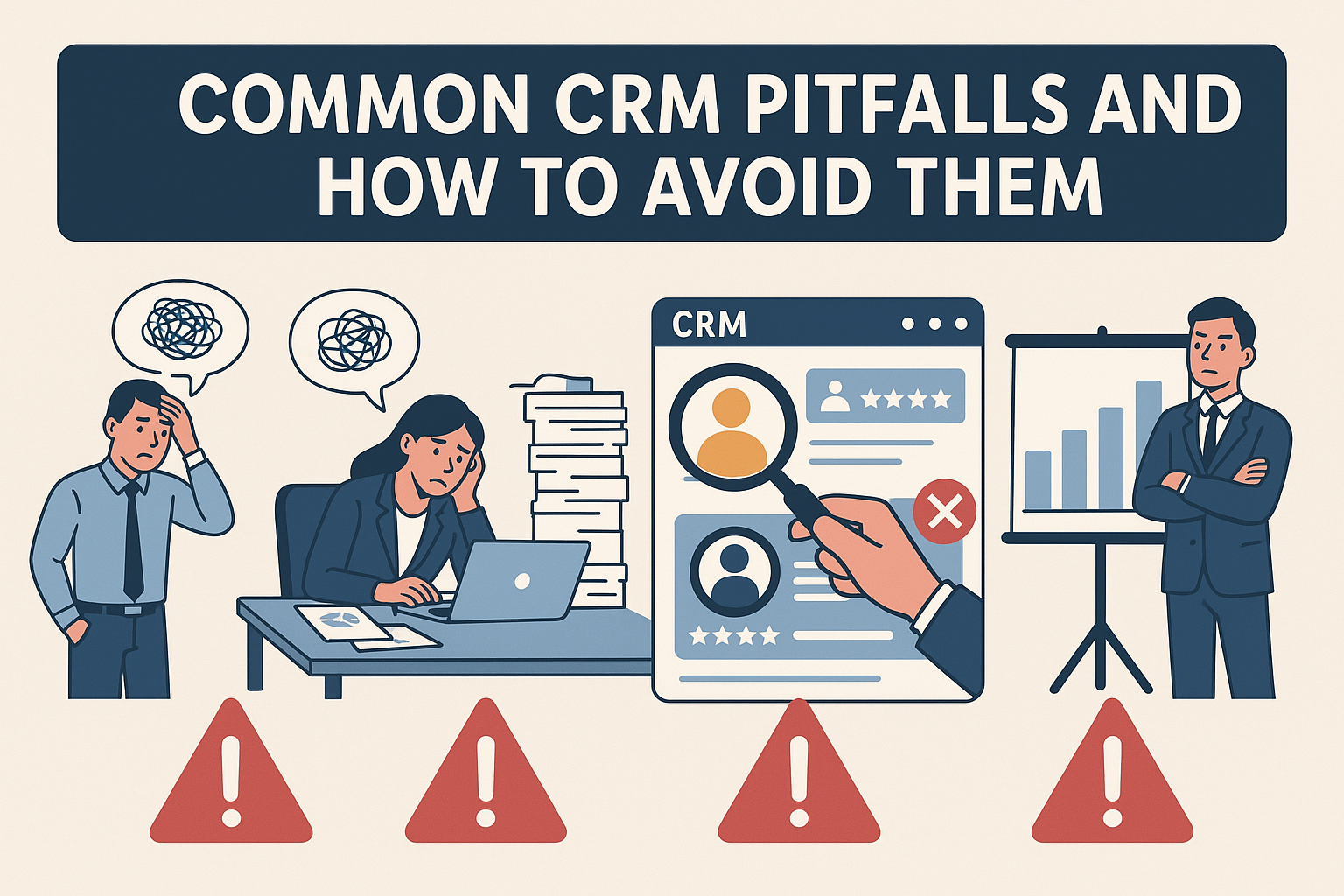
1. Complexity
New users may initially find Salesforce overwhelming due to its extensive features. To mitigate this, businesses should focus on regular training sessions, tutorial resources, and gradual implementation of features.
2. Cost
While Salesforce is a valuable investment, some small businesses may find the costs daunting. Evaluate your budget and consider starting with basic features before gradually expanding as sales grow.
3. Integration
Integrating Salesforce with existing tools can be challenging. Assess the compatibility of other systems and ensure proper resources are allocated for integration processes.
FAQs
1. Is Salesforce CRM suitable for all small businesses?
Yes! Salesforce is designed to cater to businesses across various industries and sizes. However, features can be tailored to meet the unique needs of specific operational models.
2. How much does Salesforce CRM cost?
Salesforce offers several pricing plans, starting from around $25 per user per month for the Essentials edition. Prices increase with additional features and higher editions.
3. How long does it take to implement Salesforce?
The timeline for implementation can vary significantly based on the size of the business, complexity of data migration, and team readiness. Typically, small businesses can expect a few weeks to a couple of months for full deployment.
4. Can Salesforce integrate with other apps?
Absolutely! Salesforce has an extensive marketplace known as AppExchange that offers thousands of third-party applications that integrate seamlessly with the platform.
5. Does Salesforce offer customer support?
Yes, Salesforce provides extensive customer support options, including a knowledge base, community forums, and dedicated support channels for premium users.
In conclusion, Salesforce CRM can be a game-changer for small businesses looking to enhance their customer engagement and streamline sales processes. With a robust feature set and a strong support community, Salesforce equips small enterprises with the necessary tools to thrive in today’s competitive marketplace. By focusing on training and strategic implementation, small businesses can unlock the full potential of this powerful platform.