


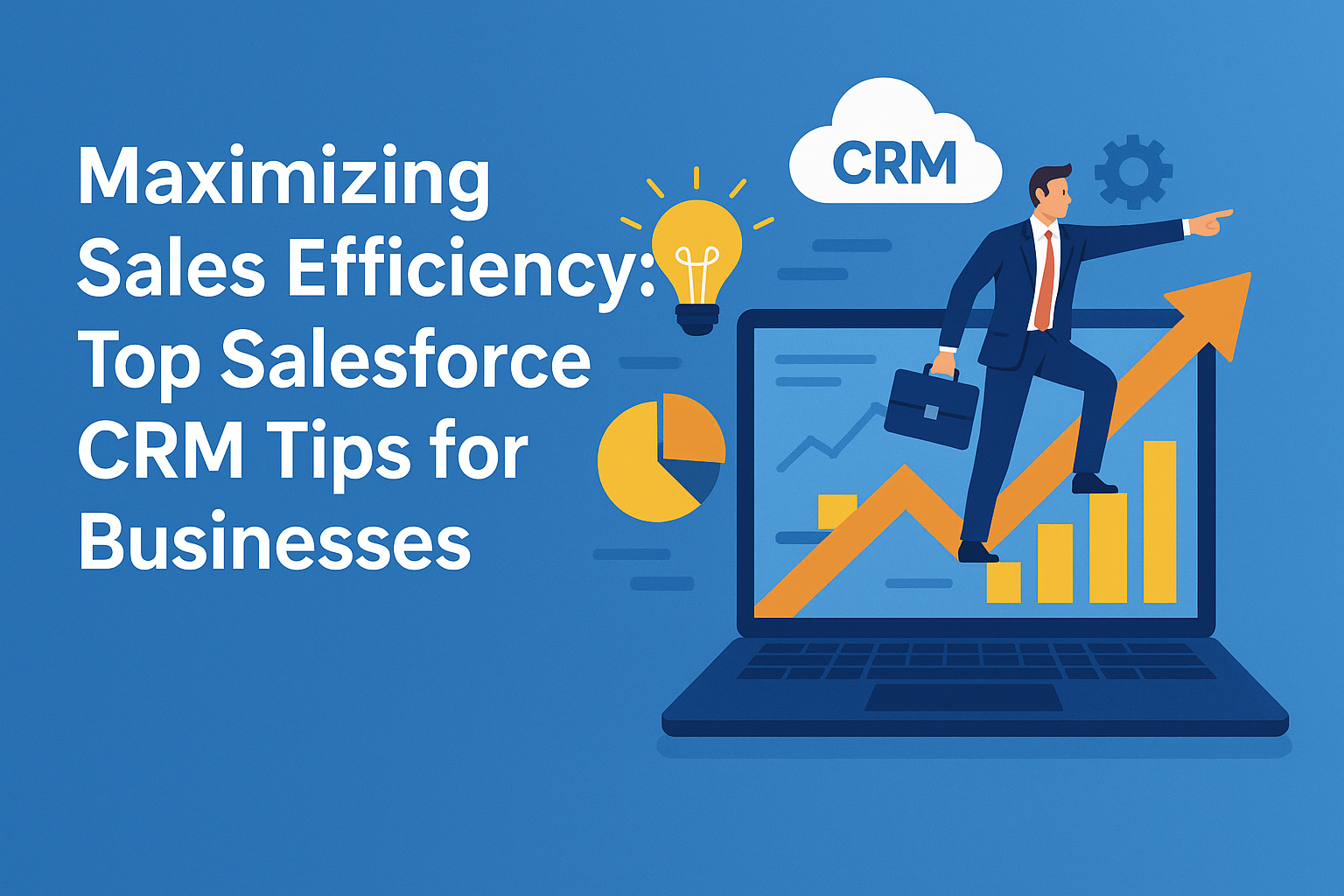
In today’s fast-paced business environment, maximizing sales efficiency is more critical than ever. Customer Relationship Management (CRM) software like Salesforce provides a comprehensive platform for managing customer interactions, sales data, and marketing campaigns. Leveraging Salesforce effectively can lead to increased productivity, enhanced customer satisfaction, and ultimately, higher sales figures. Let’s delve into some actionable tips that can help businesses optimize their use of Salesforce for maximum sales efficiency.
1. Customization is Key
One of Salesforce’s strongest features is its flexibility. Businesses should tailor the platform to fit their unique sales processes. This means creating custom fields, objects, and dashboards that align with specific organizational needs. By customizing Salesforce, teams can streamline workflows and minimize the time spent navigating irrelevant information, thus freeing up valuable time for actual selling.
Actionable Tip:
Engage with stakeholders from sales, marketing, and customer service during the customization process. Gather inputs on what features they utilize most and what additional functionalities could enhance their efficiency.
2. Automate Repetitive Tasks
Sales professionals often find themselves bogged down with administrative tasks. Salesforce offers a range of automation tools, such as Workflow Rules, Process Builder, and Flow, which can significantly reduce manual work. Automating repetitive tasks such as data entry, email alerts, and report generation allows sales reps to focus on high-value activities like closing deals.
Actionable Tip:
Identify the tasks that consume considerable time and assess which of them can be automated. Implement these automations progressively, testing each to ensure they integrate well with existing processes.
3. Utilize Reports and Dashboards
Salesforce provides robust reporting and dashboard capabilities that can keep teams aligned with their goals. Leveraging these features enables businesses to track key performance indicators (KPIs) and sales metrics in real-time. Having visual representations of critical data can also help sales teams make informed decisions quickly.
Actionable Tip:
Set regular intervals for reviewing reports and dashboards. Schedule team meetings to discuss findings, review strategies, and adjust tactics based on data insights.
4. Invest in Training and Support
Having an effective CRM system like Salesforce isn’t enough if your team doesn’t know how to utilize it. Investing in comprehensive training ensures that staff can maximize the tool’s potential. Classes, webinars, and online resources provided by Salesforce or third-party vendors can empower your team.
Actionable Tip:
Consider ongoing training sessions, rather than one-off training. Regular refreshers can help team members stay updated on new features, efficient practices, and industry trends.
5. Use Salesforce AppExchange
Salesforce AppExchange offers numerous third-party applications that complement and enhance the Salesforce platform. These apps can help businesses extend functionalities, whether it’s for productivity, analytics, or customer engagement. Integrating these tools into your Salesforce ecosystem can close gaps that might be hindering sales efficiency.
Actionable Tip:
Evaluate your current workflow to identify potential inefficiencies. Search for apps on the AppExchange that address these issues and consider running a pilot test before full deployment.
6. Implement Lead Scoring
Lead scoring is a vital process that uses quantitative methods to evaluate the potential of leads. Salesforce provides features to assign scores based on various criteria such as engagement, demographics, and behavior. Implementing a lead scoring system ensures sales teams focus their efforts on high-quality prospects, thereby maximizing their chances of conversion.
Actionable Tip:
Establish clear criteria for lead scoring that reflects your sales model. Regularly review and adjust the scoring parameters based on historical data and team feedback.
7. Mobile Accessibility
In an increasingly mobile world, having access to CRM data on-the-go can be a game-changer. The Salesforce mobile app allows sales reps to access information anywhere, anytime. This accessibility ensures that teams can respond to customer inquiries quickly and close deals without being tethered to their desks.
Actionable Tip:
Encourage your sales team to download and utilize the mobile app. Regularly gather feedback on their experience to ensure the app meets their needs and make adjustments as necessary.
8. Foster Collaboration
Salesforce’s Chatter feature facilitates collaboration among team members. Using this tool can enhance communication, share best practices, and quickly resolve issues. Effective collaboration leads to a more informed sales team and ensures that prospect information is shared efficiently.
Actionable Tip:
Encourage a culture of collaboration by establishing team norms for using Chatter. Regular updates on projects, sharing of insights, and celebrating wins can keep motivation high.
9. Integrate Marketing Automation
Integrating Salesforce with marketing automation tools can streamline the customer journey from awareness to conversion. Having aligned data allows for targeted marketing campaigns and ensures that sales teams are working with informed prospects. This can greatly improve lead quality and conversion rates.
Actionable Tip:
Work with your marketing team to ensure seamless integration between Salesforce and your marketing automation tool. Regular syncing and data cleansing will ensure both teams are working with the latest information.
10. Review and Optimize Regularly
Sales processes should be agile. Regularly reviewing workflows and sales strategies enables businesses to adapt to changing market conditions. Salesforce provides comprehensive insights and reports that should be analyzed periodically to identify areas for improvement.
Actionable Tip:
Establish a quarterly review process for evaluating sales strategies and CRM usage. Encourage team input to facilitate a culture of continuous improvement.
FAQs
1. What is Salesforce CRM?
Salesforce CRM is a cloud-based platform designed to help organizations manage customer relationships and sales activities. It offers tools for sales, customer service, marketing, and analytics.
2. How can Salesforce help improve sales efficiency?
By automating repetitive tasks, providing real-time insights, and allowing customization, Salesforce helps sales teams focus on high-value activities, ultimately improving efficiency.
3. Is it necessary to customize Salesforce for my business?
While Salesforce has robust out-of-the-box functionalities, customization aligns the platform more closely with your specific business processes, leading to greater efficiency.
4. Are Salesforce training sessions essential?
Yes, ongoing training ensures that your team is equipped with the latest features and best practices, making the most of the CRM system.
5. What types of reports can I generate in Salesforce?
Salesforce allows the generation of various reports including sales projections, lead conversions, and performance metrics, all of which provide valuable insights into your sales processes.
Conclusion
Maximizing sales efficiency with Salesforce CRM is an ongoing journey that requires careful planning, execution, and adaptation. By embracing these strategies and fostering a culture focused on continuous improvement, businesses can not only enhance productivity but also build stronger relationships with their customers, ultimately driving sales success. Whether you’re new to Salesforce or looking to optimize your existing practices, implementing these tips will lead your organization closer to its sales goals.