
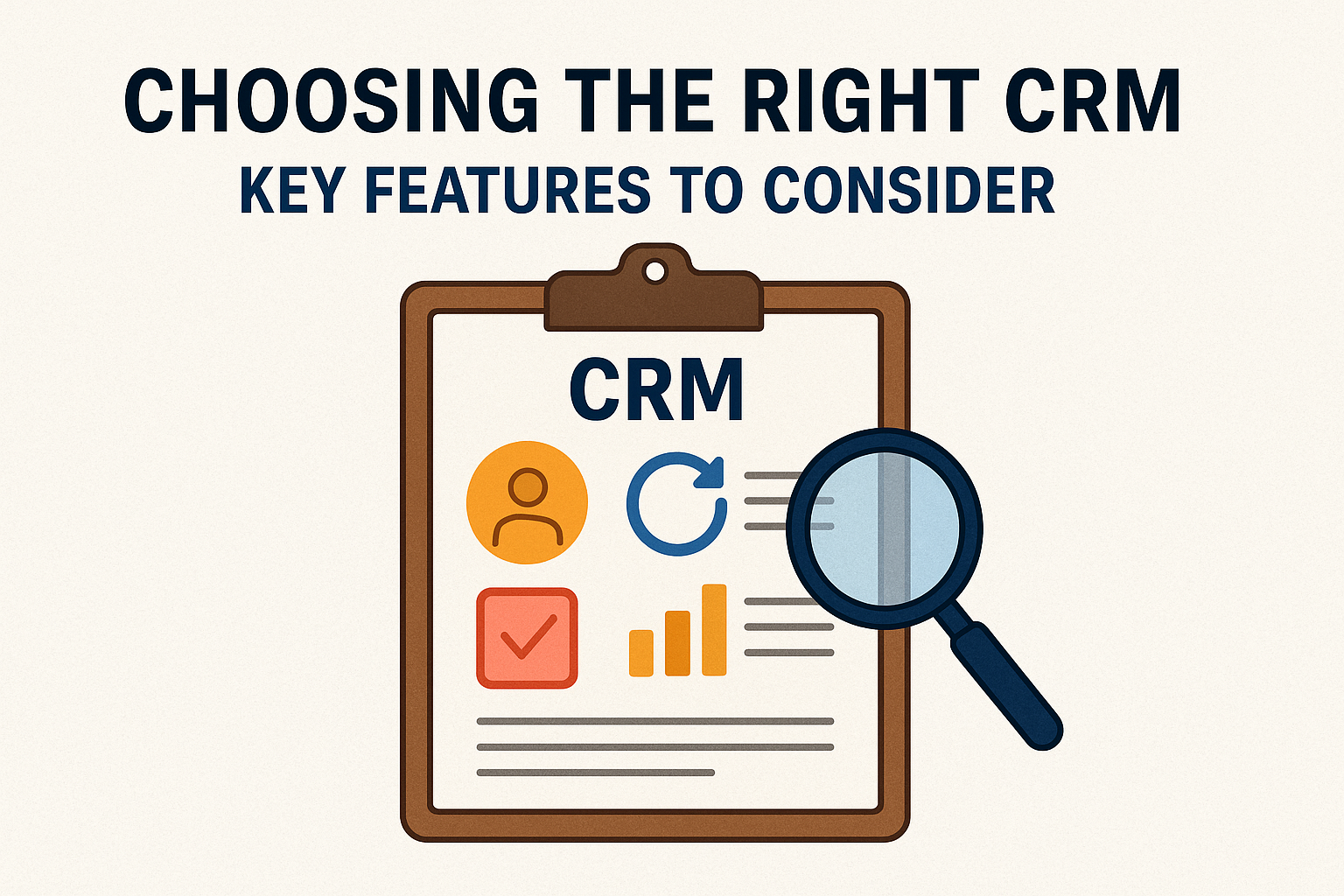
Selecting the right Customer Relationship Management (CRM) software can significantly impact the efficiency and success of your business. A well-suited CRM helps streamline processes, increases sales, and strengthens customer relationships. However, with a plethora of options available, determining which CRM fits your organization’s needs can be daunting. In this article, we will discuss the essential features to consider before making a decision, ensuring that you choose the right CRM for your business.
Understanding CRM and Its Importance
At its core, a CRM system is designed to manage interactions with customers and potential clients. It consolidates customer information, provides insights into customer behavior, and facilitates better communication within teams. A capable CRM empowers organizations to:
-
Enhance customer relationships: By providing a comprehensive view of customer interactions, businesses can tailor their marketing and sales strategies.
-
Streamline processes: Automating tasks and workflows helps in reducing manual efforts and minimizing errors.
-
Improve decision-making: Analytics and reporting tools provide valuable insights that can guide strategic decisions.
Given these benefits, emphasizing the right features while choosing a CRM is crucial.
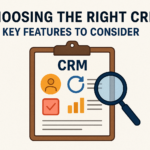
Key Features to Consider
1. User-Friendly Interface
A CRM system should have an intuitive design that makes it easy for users to navigate. An unwieldy interface can lead to frustration and decreased adoption rates among your team. Before making a decision, request a demo or trial version to assess the user experience.
2. Customization Options
Every business is unique; thus, a one-size-fits-all approach may not yield the best results. Consider how customizable the CRM is in terms of fields, layouts, and reports. Customization allows you to tailor the CRM to your specific workflows and processes.
3. Integration Capabilities
Your CRM will likely need to work alongside other software tools such as email platforms, e-commerce systems, and marketing automation tools. Check for compatibility and integration options with existing systems. An adaptable CRM can significantly ease the transition and enhance collaborative efforts among teams.
4. Automation Features
Automation can save your team time and ensure consistency across tasks. Look for features such as automated follow-up emails, lead scoring, and task reminders. These functions help in managing customer interactions without making a heavy demand on your team’s time and energy.
5. Mobile Accessibility
In today’s fast-paced environment, having access to information on the go is invaluable. Choose a CRM that provides mobile capabilities, allowing your team to access customer information and manage tasks from anywhere. This feature is particularly important for sales teams that often work remotely.
6. Reporting and Analytics
Data-driven decisions lead to better outcomes. Robust reporting and analytics features can help you track important metrics, evaluate the performance of your team, and gauge customer satisfaction. Look for CRM systems that can generate customizable reports and real-time analytics for actionable insights.
7. Customer Support and Training
Reliable customer support is essential for any software adoption. Check if the CRM provider offers adequate support options such as live chat, phone assistance, and comprehensive training resources. Evaluate how quickly they resolve issues, as effective support can minimize downtime and maximize productivity.
8. Security Features
Data security is non-negotiable, especially when dealing with sensitive customer information. Investigate the security measures the CRM uses, such as data encryption, user access controls, and compliance with regulations like GDPR. Trusting a CRM with your customer data requires assurance that their data protection protocols meet industry standards.
9. Scalability
As your business grows, your CRM should grow with it. Consider whether the CRM provider can accommodate your future needs in terms of features, user licenses, and data volume. A scalable solution will save you from having to switch systems as your business expands.
10. Cost-Effectiveness
Implementing a CRM should be a strategic investment rather than a financial burden. Evaluate the pricing structure carefully, taking into account the features you need versus the costs involved. Some CRMs have tiered pricing models or charge based on the number of users, so ensure that you choose a plan that matches your budgetary constraints.
Additional Features to Consider
While the aforementioned features are fundamental, there are several additional functionalities that can enhance your CRM experience:
-
Email Marketing Integration: If your business relies heavily on email marketing, consider a CRM that offers integrated email campaign tools.
-
Social Media Integration: In today’s digital marketplace, interacting with clients on social media can provide valuable insights and engagement opportunities.
-
Lead Management Tools: Tools that assist in managing leads, tracking their journey, and converting them into customers can be a game-changer for sales teams.
FAQs
1. What is a CRM system?
A CRM system is software that helps businesses manage customer relationships, streamline processes, and improve profitability by consolidating customer data and interactions.
2. How do I know which CRM is right for my business?
Assess your business needs, budget, team size, and existing software integrations. Identify essential features for your operations, and consider multiple options before deciding.
3. Are customizations necessary in a CRM?
Customizations enable you to tailor the CRM to your organization’s unique processes, enhancing usability and effectiveness.
4. Is mobile access important for a CRM?
Yes, mobile access allows for real-time updates and management from anywhere, which is especially valuable for remote and field-based teams.
5. What is the typical cost for CRM software?
Costs can vary widely based on features and user licenses, ranging from a few dollars per user per month to hundreds of dollars for premium solutions. Evaluate your budget and required functionalities to find an affordable option.
6. How can I ensure my CRM data is secure?
Choose a CRM with robust security protocols, including data encryption and compliance with privacy regulations like GDPR. Be sure to inquire about the security measures in place.
Conclusion
Choosing the right CRM is a critical step towards enhancing your business’s customer relationships and improving overall efficiency. By focusing on the key features discussed in this article, you can make an informed decision that aligns with both your current needs and future ambitions. Take the time to assess, compare, and trial different systems to find a CRM solution that truly works for your organization.